February 24, 2026
Interactive Setup Guides for Smart Home Devices

.png)

There’s a very specific moment most of us recognize. A new smart device arrives at the door, neatly packed, full of promise. It hints at smoother mornings, lower energy bills, better security, and fewer daily hassles. For a second, it feels like the future is sitting right there in your hands. Then the box opens. The cables spill out. The instruction booklet unfolds like a tiny newspaper. And suddenly, that clear promise starts to blur.
The excitement doesn’t disappear, but it hesitates. Questions creep in. Where does this wire go? Why isn’t the app finding the device? Did we miss a step already? That small shift, from anticipation to uncertainty, is where many smart home experiences begin to wobble.
So, in this blog, we will explore why interactive setup guides and smart home setup guides work, where traditional instructions fall short, and how the right digital guidance turns confusion into that satisfying final moment when everything clicks, and the device simply works.
The reality is simple, and a bit stubborn: people want their devices to work fast. When setup is slow, confusing, or fragile, frustration grows, support tickets pile up, and users lose faith. Interactive setup guides and well-designed smart home setup guides change that story. They break steps into small actions, show what to look for, and provide fixes in the moment.
In short, interactive setup guides for smart home devices and clear interactive smart home instructions help users reach success with less stress. Moreover, they build trust. When someone finishes a setup smoothly, they are more likely to keep exploring the product and to tell a friend.
You might think it is just bad instructions. Sometimes, yes. But often failure comes from small, avoidable gaps.
First, steps that assume too much, like “connect to the network” without saying how to check the router type. Notably, 52% of DIY smart home users report setup or connectivity issues. Second, unclear parts and cables, which means people mix up connectors. Third, firmware updates that stall mid-install, and phones that lose the temporary local network the device creates. Finally, a mobile UI that is slow or hard to use on small screens.
These are points where the challenges of assembling electronics meet the quirks of home networks and human attention. When instructions ignore these realities, users get stuck. On the other hand, when instructions meet people where they are, success follows.
Not every interactive feature is equal. Some are table stakes, and some are surprising helpers.
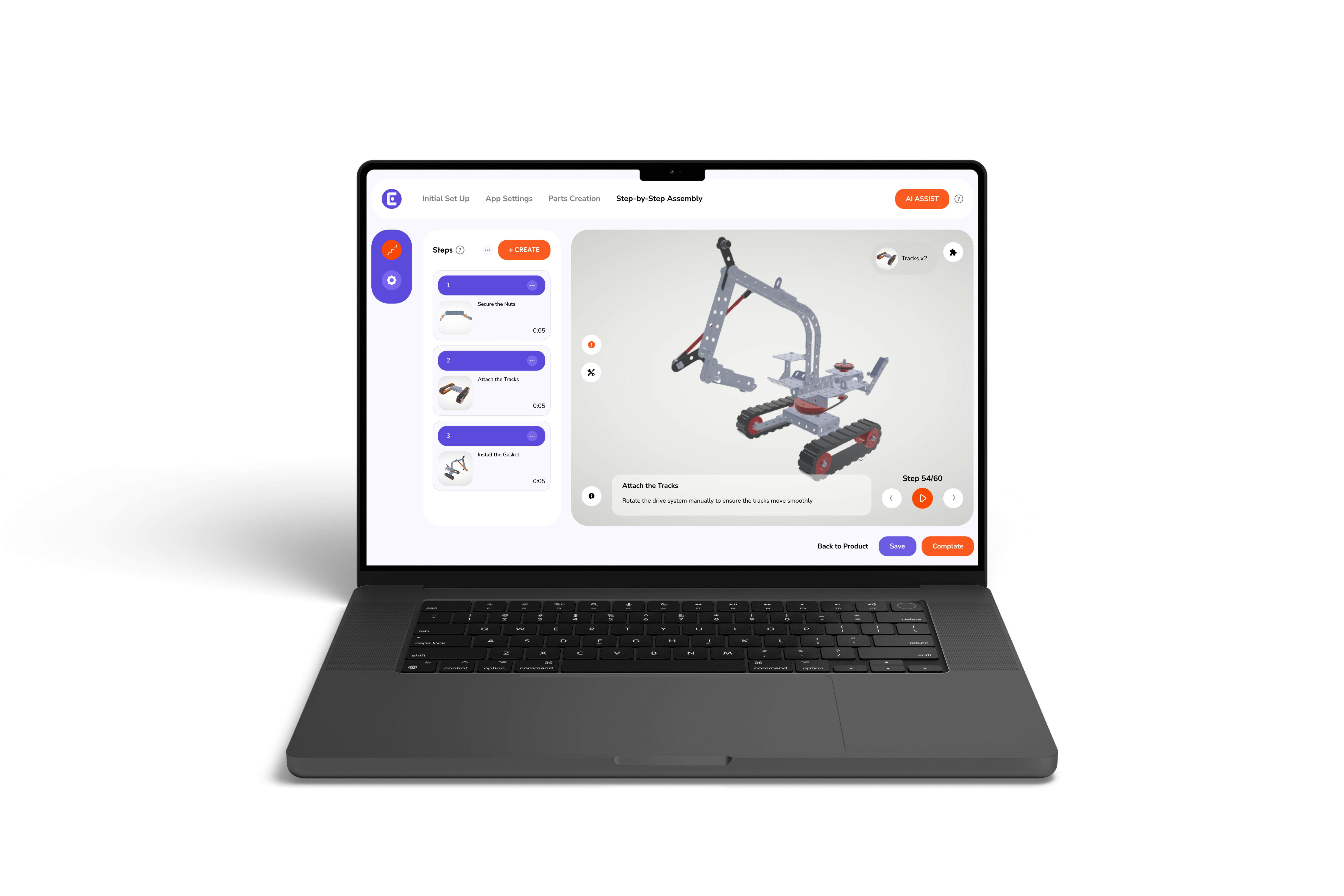
Also, adding interactive instruction manuals and a 3D animations feature for parts that require orientation makes confusion disappear. In addition, small touches like a one-tap “retry pairing” or an auto-detected firmware status reduce anxiety.
Let’s imagine a smart thermostat. The guide opens with a quick checklist, then a numbered flow:
At each step, there is an easy “I’m stuck” button that offers targeted fixes. For example, if the device does not find Wi-Fi, the guide suggests checking the router’s 2.4 GHz band, then provides a one-touch test that pings the network. This is how interactive guides keep users moving forward, instead of looping them in a single problem.
If you are building products, ask vendors or your internal team a few practical questions.
Try a small pilot. Roll the guide out to a subset of users, watch completion rates, and interview a few who failed. Often, a single missing image or an unclear sentence explains most problems.
There are a few technical details that matter more than you might expect.
Keep asset sizes small and load media lazily, so the guide appears quickly. Add clear accessibility labels and ensure voice guidance is available. Use structured data when possible so search engines and support systems can find relevant help content. Track key metrics, like time to completion and where people request help, then iterate.
Also, think about the handoff to support. When someone asks for help, well-designed smart home installation instructions should be able to send context, like the exact step where the user stopped. That saves time, reduces repeated troubleshooting, and makes smart home installation instructions far more efficient for both users and support teams.
How Easemble approaches this problem is practical and user-focused. We create interactive setup guides for smart home devices that combine clear steps, embedded visuals, and data that shows where users get stuck. In addition, our tools integrate digital assembly solutions provider features, so teams can update instructions without a code release.
We noticed that many support delays stem from small, fixable gaps in the guide. Consequently, when those gaps are closed through better digital setup guides for smart home devices and clearer smart home installation instructions, returns fall and satisfaction rises.
At the heart of every setup experience is something simple: people want to feel capable. When instructions are clear and responsive, that feeling stays intact. The device stops being a puzzle and starts becoming part of daily life.
For product teams, that shift is worth paying attention to. Small adjustments in guidance often change completion rates, support volume, and even brand perception. Sometimes it is not about adding more features, but about making the first interaction smoother. When setup feels thoughtful and steady, users notice. And they remember.
.png)